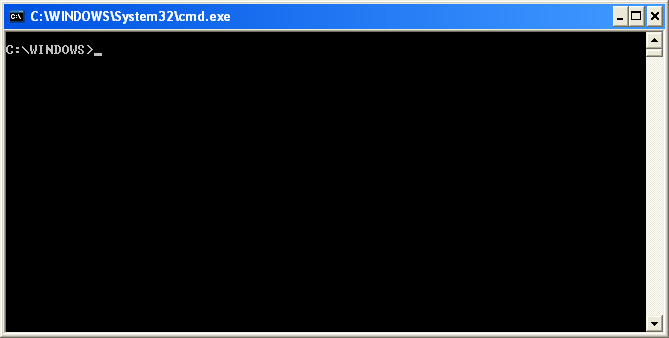
I thing maximum computer users know about the cmd and cmd prompt. In my previous posts I have discussed a lot about commands, but I am here again with a trick which can give a cool look to the cmd prompt, because Many of you may feel bored with the same black and white screen when working with command prompt,.

Step 1:- Open CMD Threw Start program.
Step 2:- Write "ping" And After Any Website URL. EX."ping Google.com"
Step 3:- Then Press Enter.As you can see in the above picture.
Thanks for visiting, subscribe this blog for the latest updates in your inbox, and don't forget to like and share this with friends,.

So Here are the steps,.
Step 1:- Open CMD Threw Start program.
Step 2:- Write "Color" (Without Quotation).
Step 3:- With Color You Have To Write Any Number Like "Color 1"
,"Color 2","Color 3" E.T.C. See Numbers With Colors Below
0 - black
1 - blue
2 - green
3 - aqua
4 - red
5 - purple
6 - yellow
7 - white
8 - gray
9 - light blue
a - light green
b - light aqua
c - light red
d - light purple
e - light yellow
f - bright white
Step 4:- After Write "Color 2" Press Enter. as shown in the figure,. and you are done,
Now one more trick i want to share with you. All Website Has Their Own IP Address. We Can Open Any Website Threw Their IP Address.Hackers Used This Command For Hacking Website. If you want to find Out the IP address of an website then,..
Step 1:- Open CMD Threw Start program.
Step 2:- Write "Color" (Without Quotation).
Step 3:- With Color You Have To Write Any Number Like "Color 1"
,"Color 2","Color 3" E.T.C. See Numbers With Colors Below
0 - black
1 - blue
2 - green
3 - aqua
4 - red
5 - purple
6 - yellow
7 - white
8 - gray
9 - light blue
a - light green
b - light aqua
c - light red
d - light purple
e - light yellow
f - bright white
Step 4:- After Write "Color 2" Press Enter. as shown in the figure,. and you are done,
Now one more trick i want to share with you. All Website Has Their Own IP Address. We Can Open Any Website Threw Their IP Address.Hackers Used This Command For Hacking Website. If you want to find Out the IP address of an website then,..
Step 1:- Open CMD Threw Start program.
Step 2:- Write "ping" And After Any Website URL. EX."ping Google.com"
Step 3:- Then Press Enter.As you can see in the above picture.
Thanks for visiting, subscribe this blog for the latest updates in your inbox, and don't forget to like and share this with friends,.